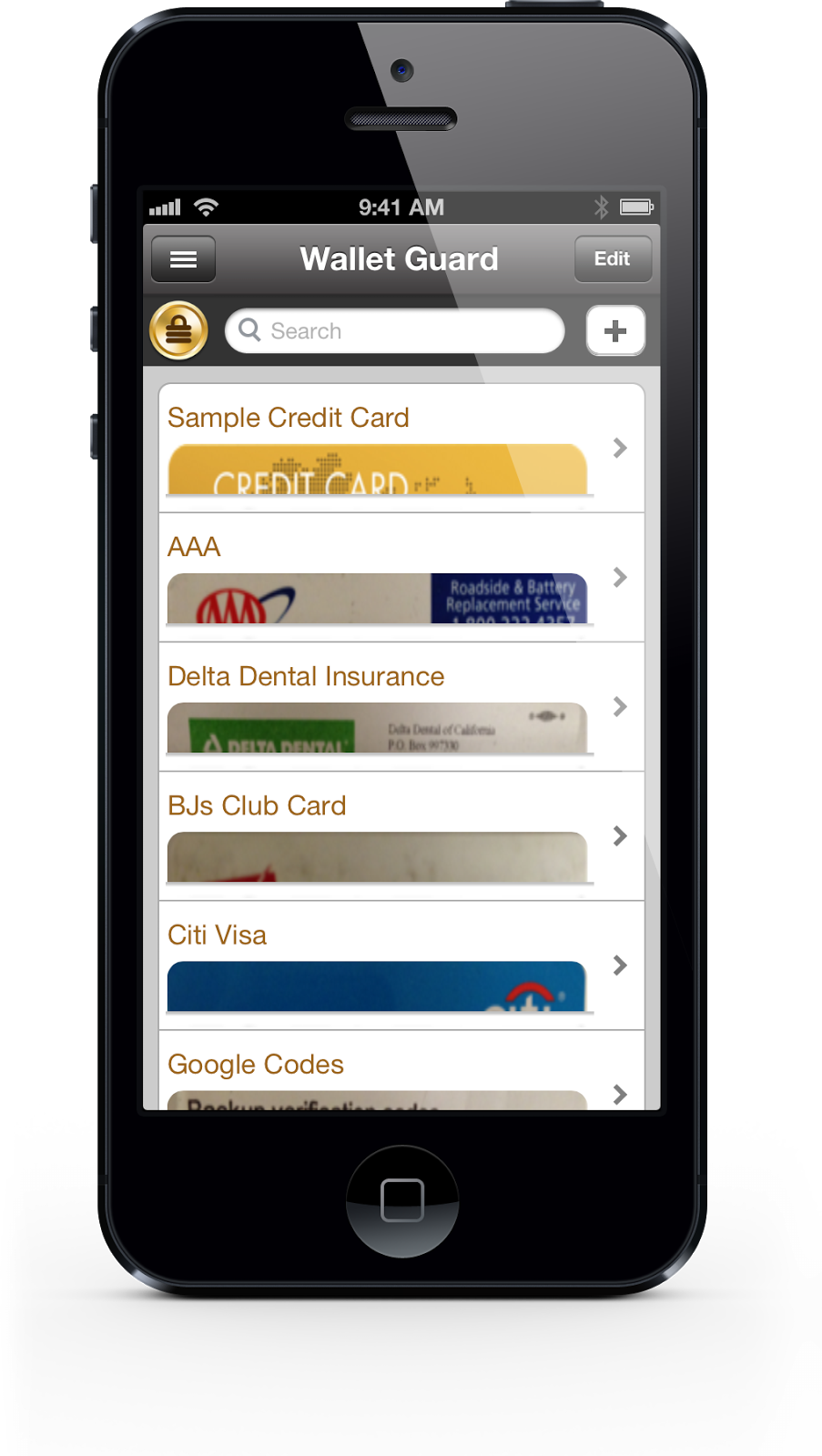
New features:
- Choice of numeric keypad for easier passcode entry
- Option to alphabetize entries and still use manual ordering
- Share wallet entries securely via Bluetooth with other Wallet Guard users
- User interface enhancements


-enjoy!
// Setup Firefox profile to support integrated auth
var profile = new FirefoxProfile();
profile.SetPreference("network.automatic-ntlm-auth.trusted-uris", "localhost");
profile.SetPreference("network.ntlm.send-lm-response", true);
this.Driver = new FirefoxDriver(profile);

// Set global wait timeout to 10 seconds
this.Driver.Manage().Timeouts().ImplicitlyWait(new TimeSpan(0, 0, 10));
this.BaseUrl = new Uri("http://localhost/");
this.VerificationErrors = new StringBuilder();
<style type="text/css">
  label.error { color: red; }
</style>

<form id="betweenForm" method="post" action="">
Change some values:<br/>
<label for="a">Field min:</label>
<input id="a" name="a" type="text" value="1" />

<br/>
<label for="b">Field max:</label>
<input id="b" name="b" type="text" value="100" />

<br/>
<label for="c">Field between:</label>
<input id="c" class="required" name="c" type="text" value="" />

<p>
    <input class="submit" type="submit" value="Submit"/>
</p>
</form>
// Using jQuery Validation plugin
    $("#betweenForm").validate({
        rules: {
            c: {
                required: true,
                min: function() {
                    return $('#a').val();
                },
                max: function() {
                    return $('#b').val();
                },
            }
        }
    });
The import part is to note how you can pass in an anonymous function instead of a static number for min and max.
<label for="a">Field A:</label>
<input id="a" name="a" type="text" value="a value" />

<br/>
<label for="b">Field B:</label>
<input id="b" name="b" type="text" value="b value" />

<br/>
<label for="c">Field C:</label>
<input id="c" name="c" type="text" value="c value" />
The hookup:
<script>
    $(function() {
        $("input").modified( { onModified: valueChanged } );
    });

    var isPageDirty = false;
    function valueChanged(id, previousVal, newVal) {
      isPageDirty = true;
      alert('The page is dirty.  The value for ' + id + ' has changed from ' + previousVal + " to " + newVal);
    }
  </script>
The jModified Plugin:
(function($){
 $.fn.modified = function(options) {

   var defaults = {
     onModified: function(id, previousVal, newVal) {
         alert('The value for ' + id + ' has changed from ' + previousVal + " to " + newVal ); }
   };

   var options = $.extend(defaults, options);

   this.each(function() {
     $(this).data('originalValue', $(this).val());
   });

  return this.change(function() {
   var newValue = $(this).val();
   var originalValue = $(this).data('originalValue');

   if(newValue != originalValue)
     options.onModified($(this).attr("id"), originalValue, newValue);

  });
 };
})(jQuery);
Coming soon, a new kind of todo app. A gamified task manager. Get rewarded for completing tasks with gold. Use your bank to upgrade your shi...


